About Word To PDF Converter & Reader
Word to PDF is a universal app for iPhone and iPad that can convert your MS Office Word to Adobe Acrobat PDF. After installed, Word to PDF appears in the "Open In..." list on your device. This lets you convert word from...
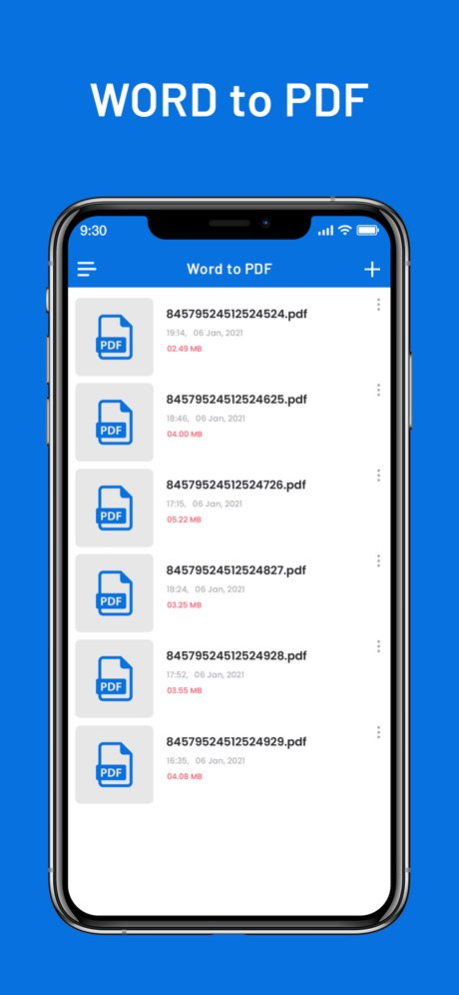
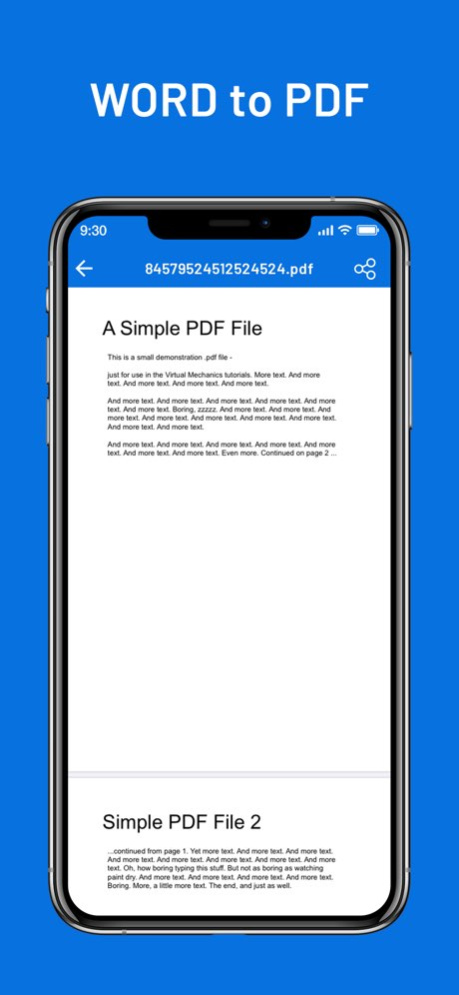
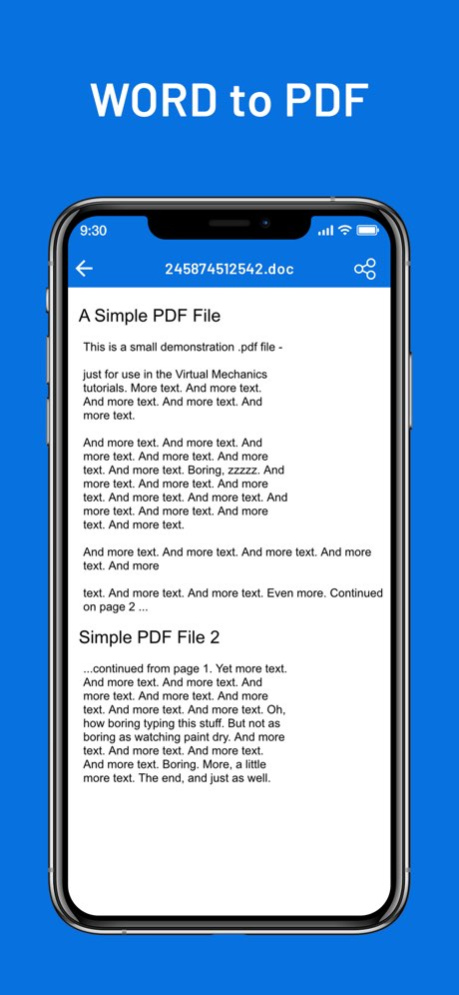
Word to PDF is a universal app for iPhone and iPad that can convert your MS Office Word to Adobe Acrobat PDF. After installed, Word to PDF appears in the "Open In..." list on your device. This lets you convert word from Mail, Safari, GoodReader and many other applications on your iOS device that supports this function. It's just as easy as it sounds! No need for overcomplicated apps with dozens of nonsense features. With PDF Converter app you can convert your documents to pdf or create pdf files in a matter of seconds. More Features: * Support all apple iOS devices. * Really attractive, super easy to use interface * Using "Open In..." approach, print files from many popular online storages: Dropbox, MobileMe iDisk, GoogleDocs and other cloud storage applications. * Save the following multiple word doc formats .doc, .docx to PDF. * Mail out documents as email attachments. * Copy documents to clipboard. * Send files to iBook, GoodReader, PDF Reader or other apps("Open In.." integration). * USB file transfer (iTunes file sharing). The converted PDF files could be opened in iBooks, GoodReader or Adobe Reader app for best reading experience. Also, you can send PDFs by e-mail, open in other apps and even transfer to computer. The build-in PDF Merger feature is a professional but easy-to-use PDF file Combiner & Joiner designed to merge PDF files for more convenient organizing, archiving and printing in batch. With it you can combine multiple PDF files in a order to create a new single PDF file. Several sample files have been included, you can test it right now! Any questions, suggestions and problems please let us know. We will reply ASSP, and continue to update. SUBSCRIPTION INFORMATION : - Subscribe for unlimited access to all the Premium features. - - Subscription is automatically renewed unless canceled 24 hours before the renewal - Payment will be charged to iTunes Account at confirmation of purchase - Account will be charged for renewal within 24-hours prior to the end of the current period, at the same price - Subscriptions may be managed by the user and auto-renewal may be turned off by going to the user’s Account Settings after purchase - Any unused portion of a free trial period, if offered, will be forfeited when the user purchases a subscription to that publication, where applicable Privacy Policy : https://nitinkatrodiya.wordpress.com/privacy-policy/ & Terms of Service: https://nitinkatrodiya.wordpress.com/terms-and-condition/
Version History Performance Improvement. 1.3 Jan 22 Performance Improvement. Solve Minor Bug Fix. 1.2 01/02/2025 Solve Navigation Bar Background Colour Issue for OS version 13 and later. 1.1 09/25/2023 1.0 01/22/2021
Previous Versions
Here you can find the changelog of Word To PDF Converter & Reader since it was posted on our website on 2026-01-04 15:48:28.
The latest version is 1.3 and it was updated on 2026-10-07 03:04:12. See below the changes in each version.
Word To PDF Converter & Reader version 1.3
Updated At: 2026-10-06
Changes: Version History Performance Improvement. 1.3 Jan 22 Performance Improvement.
Solve Minor Bug Fix. 1.2 01/02/2025 Solve Navigation Bar Background Colour Issue for OS version 13 and later. 1.1 09/25/2023 1.0 01/22/2021
Word To PDF Converter & Reader version 1.3
Updated At: 2026-01-22
Changes: Performance Improvement.
Word To PDF Converter & Reader version 1.2
Updated At: 2025-01-02
Changes: Jan 2, 2025
Version 1.2
Performance Improvement.
Solve Minor Bug Fix.
Disclaimer
Official App Store Link
We do not host Word To PDF Converter & Reader on our servers. We did not scan it for viruses, adware, spyware or other type of malware. This app is hosted by Apple and passed their terms and conditions to be listed there. We recommend caution when installing it.
The App Store link for Word To PDF Converter & Reader is provided to you by apps112.com without any warranties, representations or guarantees of any kind, so access it at your own risk.
If you have questions regarding this particular app contact the publisher directly. For questions about the functionalities of apps112.com contact us.